
If we call the Nusuk App a genie’s lamp, it wouldn’t be wrong; it really does grant a handful of travel wishes. It’s one of those must-have apps when you’re planning a trip to Saudi Arabia.
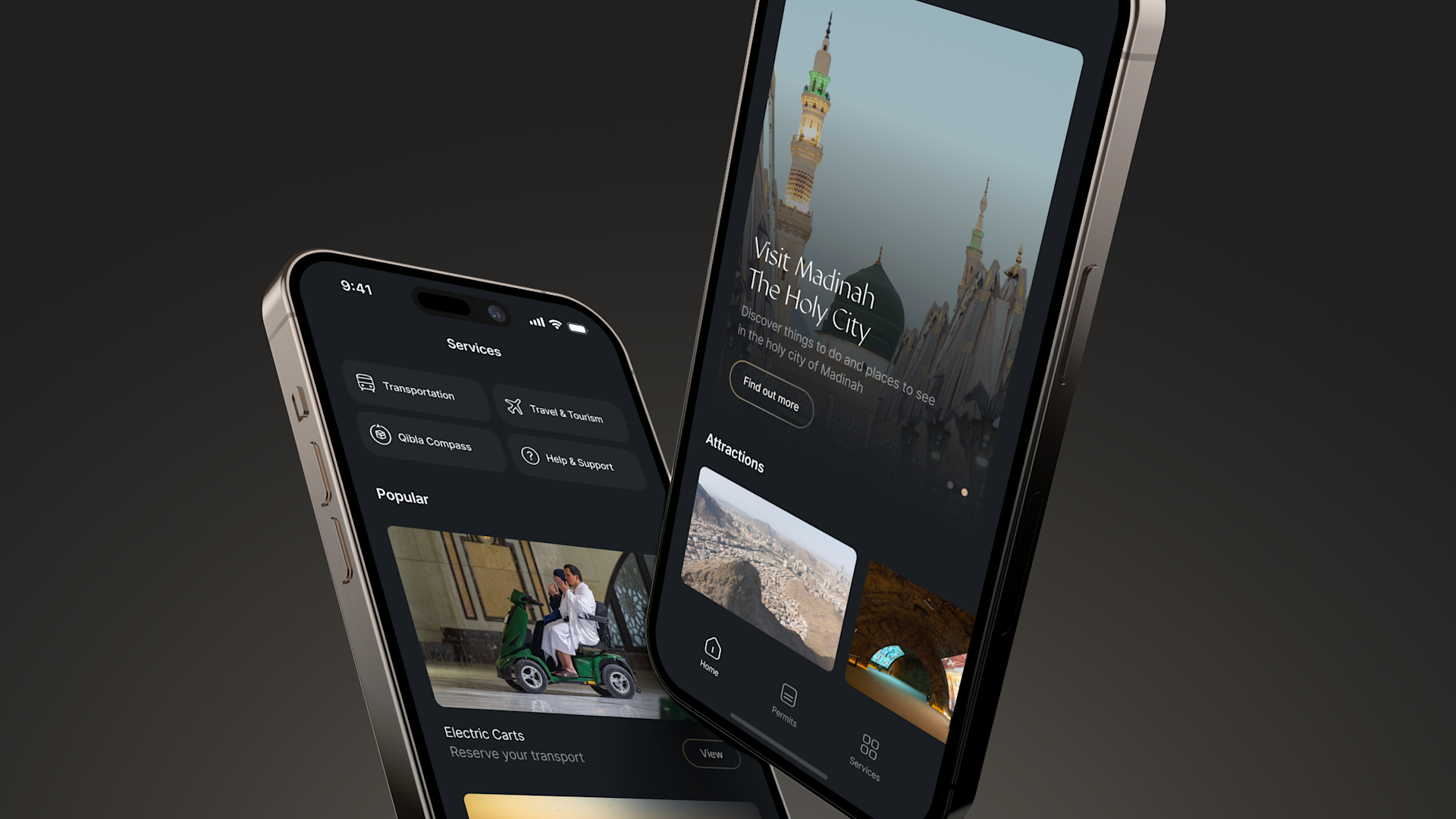
With the Nusuk App, you can apply for your Hajj or Umrah visa, reserve flights, find hotels that match your budget and preferences, and even plan your itinerary. But in this blog, we’ll focus on one of its most practical benefits; booking transportation.
Because let’s be honest, navigating a new city in a foreign country can be tricky. You could take a wrong turn or end up paying extra to cab drivers who sense you’re not local. That’s exactly where the Nusuk App makes life easier.
What is the Nusuk App?
The Nusuk App is the official platform of Saudi Ministry of Hajj and Umrah. This app makes religious and travel experiences smoother for visitors. Think of it as your all-in-one digital guide for Hajj, Umrah, and general travel in Saudi Arabia.
Through the app, you can apply for an Umrah or visit visa, book hotels and transportation, and even reserve slots for prayers at the Two Holy Mosques in Makkah and Madinah. It’s designed to simplify every step of your journey, from planning before your trip to navigating once you’re there.
What makes it even better is that the Nusuk App works seamlessly in multiple languages and supports international payments, so pilgrims and tourists from around the world can use it without hassle.
Whether you’re traveling solo or with family, it’s a one-stop platform that helps you handle everything officially and securely; no need to depend on third-party agents or uncertain travel websites.
In short, the Nusuk App brings convenience, transparency, and peace of mind to anyone traveling to Saudi Arabia, especially if you want to manage your bookings and movements confidently in a new country.
Also Read: Learn How To Use Public Buses in Madina
How to Book Transportation Through the Nusuk App (Step-by-Step)
Booking your ride through the Nusuk App is super easy once you know where to look. So, if you need transport between Makkah and Madinah, or just want a smooth airport pickup, the app gives you access to official, and government-approved options.
Here’s how you can book transportation via Nusuk App it step by step:
Step 1: Download and Log In
First, download the Nusuk App from the App Store or Google Play. Then, Sign In using your registered mobile number or email.
If you’re new to the app, you’ll need to create an account. Don’t worry it only takes a few minutes and requires your passport number and basic travel details.
Step 2: Choose the “Transportation” Option
After logging in, you’ll see several services on the home screen (like Visa, Hotels, Flights, and Prayers).
Tap on “Transportation”. This section is where you can explore rides for intercity travel, airport transfers, or local trips within the holy cities.
Step 3: Select Your Route and Travel Dates
Enter your pickup and drop-off locations, such as Jeddah Airport to Makkah or Madinah to Makkah.
Then, select your date and time of travel. The app will automatically show you available vehicles, timings, and price ranges; all verified by the Ministry of Hajj and Umrah.
Step 4: Compare Options
Depending on the route, you may see several options:
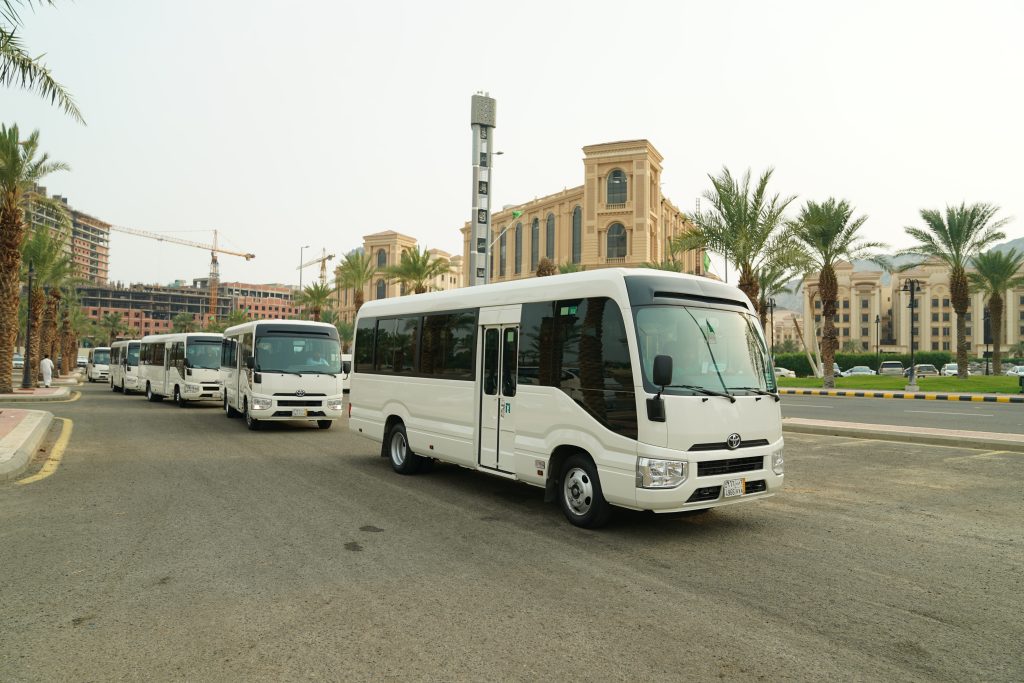
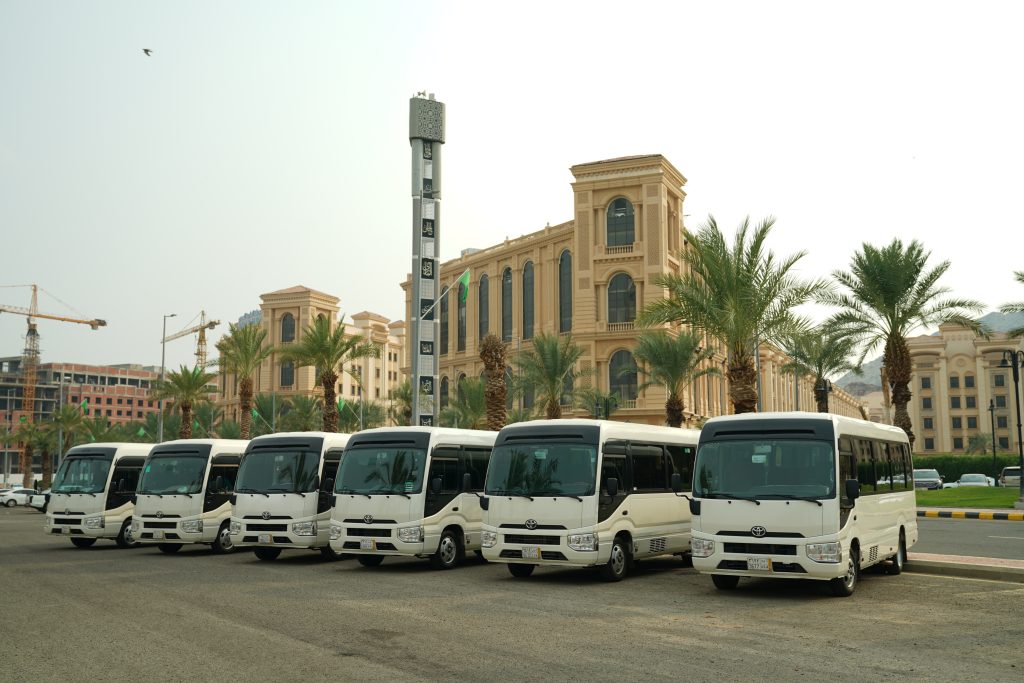
- Shared buses (budget-friendly and ideal for groups)
- Private cars or vans (comfortable and customizable)
- Haramain High-Speed Train (fastest and most scenic route between Makkah and Madinah)
Each option shows fare details, estimated duration, and available timings; so you can choose what best fits your plan and budget.
ICYMI: Affordable Hotels Near Masjid Al Nabawi in 2025 You Must Check Out
Step 5: Confirm and Pay Securely
Once you’ve picked your preferred option, click “Book Now.”
The app will guide you through a secure payment process using your debit/credit card or approved international payment methods. You’ll instantly receive a digital confirmation and e-ticket inside the app.
Step 6: Check Your Bookings Anytime
You can view all your confirmed bookings under “My Trips” in the Nusuk App. This section keeps everything organized, from hotel stays to transportation and prayer permits, so you don’t have to juggle multiple apps or emails.
If you booking transportation with the Nusuk App brings you convenience and peace of mind because that all services are official, safe, and transparent. No more worrying about overcharging or unreliable rides!
Also Read: Most Affordable Travel Between Makkah and Madina During Hajj Season
Tips for Using Nusuk App for Travel
Using the Nusuk App is very easy but there are still a few practical tips that can save you time, money, and unnecessary stress. Here’s how to make the most out of it:
1. Book Early, Especially During Peak Seasons
If you’re traveling during Ramadan, Hajj, or Eid, transportation and hotel slots fill up quickly. Try to book your rides at least a week in advance to secure better timings and avoid last-minute price hikes.
The Nusuk App updates availability in real-time, so early planning pays off.
2. Double-Check Your Travel Dates and City Names
It sounds basic, but many travelers accidentally mix up Makkah and Madinah when booking, especially if they’re using translation tools.
Always verify your pickup and drop-off points before confirming payment. A small typo can lead to wasted time or non-refundable bookings.
3. Use the Arabic-English Toggle Wisely
The app supports both Arabic and English, and you can switch between them from the settings menu. If you face unclear translations or date formats, toggle back to Arabic and use the app’s built-in translator feature.
This helps you match official names of hotels, mosques, or train stations correctly.
4. Sync Your Nusuk Account with Your Visa or Passport
When registering, make sure your passport number and visa details exactly match what’s on your travel documents. This avoids glitches when booking transportation or applying for prayer permits later.
Explore: Your Ultimate Guide to Best SIM Card for Hajj
Explore: Visiting Saudi Arabia in 2025? What to See, Do, and Expect
5. Always Keep Your Internet and Location On
The Nusuk App sometimes needs real-time location access to show nearby routes, buses, or train timings. Keeping your Wi-Fi or mobile data and GPS turned on helps it load faster and display accurate results.
6. Check “My Trips” Before You Travel
Before heading out, open the “My Trips” section in the app to confirm your bookings, ticket times, and reference numbers. Screenshot them too, in case your internet connection drops while traveling.
7. Contact In-App Support for Any Issue
If a booking fails or payment gets stuck, don’t panic, just tap on the “Support” or “Help Center” icon. The support team usually responds quickly, especially during Hajj and Umrah season.
8. Keep the App Updated
Saudi authorities frequently update Nusuk with new features or policy changes. Always use the latest version of the app to ensure smooth performance and access to all current services, including any new routes or promotions.
With these small but important steps, the Nusuk App can truly become your travel companion.
Explore: New Credit Card Rules in Saudi Arabia (2025)
Conclusion
The Nusuk App is your complete guide to moving smoothly across Saudi Arabia. From applying for your Umrah or visit visa to booking hotels, prayer slots, and transportation, everything is right at your fingertips.
So, if you are a first-time pilgrim or a frequent traveler, Nusuk app helps you plan confidently, avoid scams, and stay organized throughout your journey.
Therefore, make sure you download the Nusuk App and also update it and travel smart, stay stress-free, and make the most out of your experience in the Kingdom.